

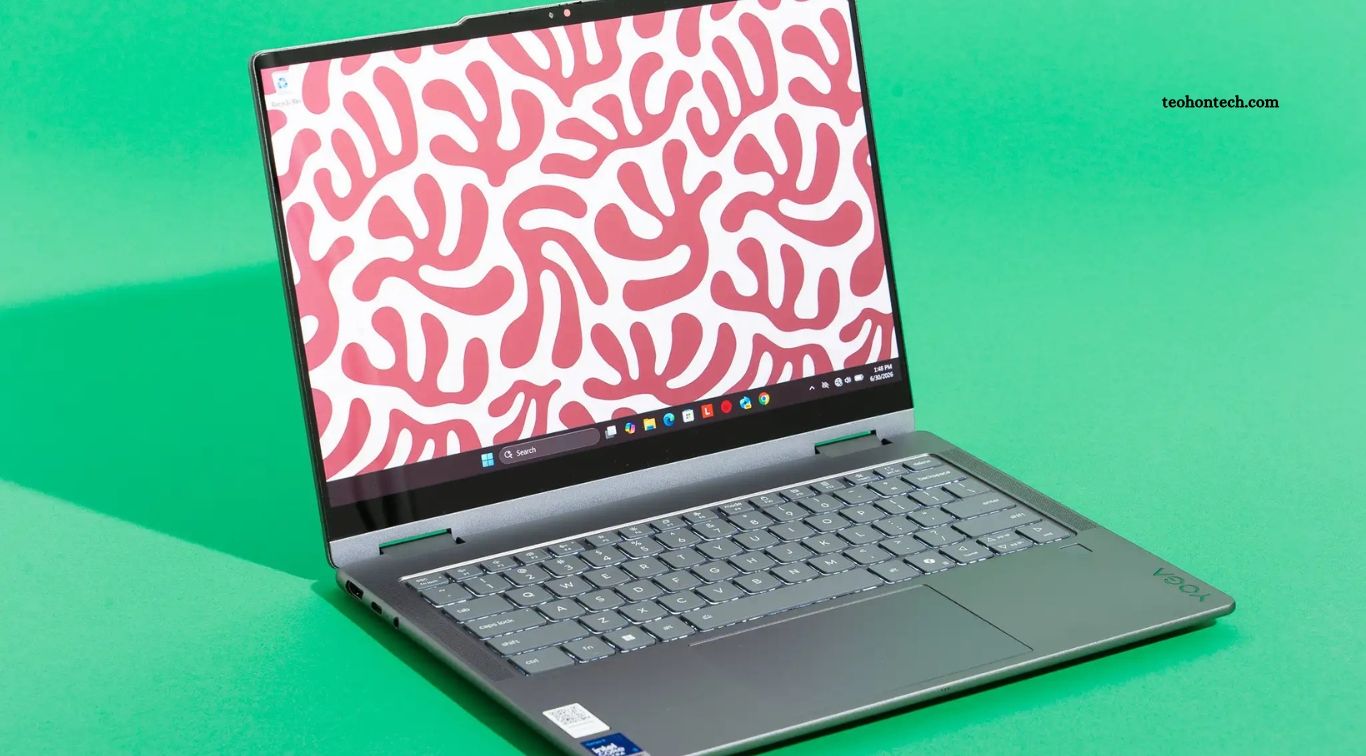
Buying a new laptop can be challenging because manufacturers offer countless models with different specifications, designs, and prices. Some laptops focus on everyday productivity, while others are designed for gaming, creative work, programming, or professional use. Choosing the right device requires more than comparing prices or selecting a popular brand. You need to understand which features will actually affect your daily experience.
Before purchasing a laptop, compare its processor, RAM, storage, display, battery life, graphics, connectivity, and build quality. These features influence performance, portability, comfort, and long-term value. Whether you need a laptop for studying, office work, entertainment, or demanding applications, checking these eight important features can help you make a smarter buying decision.
Read More: Best Monitors for Remote Work, Gaming and Creative Projects
Processor: Check Performance and Generation
The processor is one of a laptop’s most important components because it handles instructions and controls how efficiently applications run. Modern laptops commonly use Intel, AMD, or Apple processors. When comparing models, check the processor family, generation, core count, performance class, and power efficiency. A newer processor is not automatically faster than every older model, so compare actual specifications and independent performance tests.
For everyday activities such as browsing, document editing, video calls, and streaming, a modern entry-level or midrange processor may provide enough performance. Users working with video editing, software development, 3D applications, or demanding multitasking should consider stronger processors. Choose a processor based on your workload rather than paying extra for performance you may never use. Also check cooling performance because sustained workloads can affect how well a laptop maintains its speed.
RAM: Choose Enough Memory for Your Needs
RAM allows your laptop to keep applications and active tasks readily available while you work. Insufficient memory can cause slowdowns when several browser tabs, programs, or background processes run simultaneously. For basic browsing and office work, 8GB may be sufficient for some users, but 16GB is a more comfortable starting point for many modern Windows laptops and general multitasking.
Users who regularly edit videos, work with large creative projects, run virtual machines, or use demanding software may benefit from 32GB or more. Before buying, check whether the laptop’s RAM is upgradeable or permanently soldered to the motherboard. Some thin laptops do not allow memory upgrades after purchase. Choosing enough RAM at the beginning can help extend the useful life of your device and reduce the need for an early replacement.
Storage: Compare SSD Capacity and Speed
Storage determines how much space you have for your operating system, applications, documents, photos, and other files. Most modern laptops use solid-state drives (SSDs), which generally provide faster startup times and quicker file access than traditional mechanical hard drives. An SSD can make everyday tasks feel more responsive, particularly when opening applications or transferring files.
A 256GB SSD may work for light users who mainly use cloud storage, but 512GB is a more practical choice for many students and professionals. Users who store large video projects, games, or extensive media libraries may prefer 1TB or more. Check the drive type, capacity, and upgrade options before purchasing. If the laptop has limited internal storage, confirm whether external drives or cloud services can meet your future needs.
Display Quality: Look Beyond Screen Size
The laptop display affects reading comfort, image quality, entertainment, and productivity. Screen size is important, but resolution, brightness, color accuracy, refresh rate, and panel technology also deserve attention. A Full HD resolution is a practical option for many everyday laptops, while higher-resolution displays can provide sharper visuals for detailed creative work and larger screens.
Display technology also influences the viewing experience. IPS panels generally offer good viewing angles, while OLED displays can provide deep blacks and strong contrast. Creative professionals should check color coverage and accuracy, while gamers may prefer higher refresh rates for smoother motion. Consider screen brightness if you frequently work outdoors or near bright windows. Whenever possible, view the display in person before making a purchase.
Battery Life: Check Real-World Usage
Battery life matters if you regularly work away from a power outlet. Students, travelers, remote workers, and professionals often need a laptop that can handle several hours of everyday tasks without requiring frequent charging. Manufacturers usually advertise estimated battery life, but actual results depend on screen brightness, workload, wireless connectivity, battery settings, and hardware efficiency.
Look for independent reviews that test battery performance under realistic conditions, including web browsing, video playback, and productivity tasks. Also check the battery capacity and charging options. USB-C charging can make it easier to use compatible chargers, although not every laptop supports the same charging speeds or power requirements. A laptop with good real-world battery performance can provide greater flexibility during travel, meetings, and long study sessions.
Graphics: Understand Integrated and Dedicated GPUs
Graphics hardware controls how images, videos, games, and visual applications are processed. Many laptops use integrated graphics built into the processor, which are suitable for web browsing, office applications, video streaming, and light creative tasks. Modern integrated graphics can handle more workloads than older solutions, making them a practical choice for users who do not need high-end visual performance.
Dedicated graphics cards are more suitable for demanding gaming, 3D rendering, advanced video editing, and GPU-accelerated applications. However, they can increase laptop prices, power consumption, heat, and weight. Compare GPU models and laptop-specific performance rather than relying only on the graphics brand or model name. If you mainly use your laptop for everyday work, paying extra for a powerful dedicated GPU may not provide meaningful value.
Ports and Connectivity: Check Available Connections
Ports and wireless connectivity determine how easily your laptop connects with accessories and other devices. Common connections include USB-A, USB-C, HDMI, an audio jack, and sometimes an SD card reader or Ethernet port. Before buying, consider which accessories you regularly use, such as external monitors, keyboards, storage drives, cameras, and wired internet connections.
Wireless standards also matter for everyday convenience. Check support for modern Wi-Fi and Bluetooth versions, particularly if you plan to connect wireless headphones, mice, keyboards, or other accessories. Some thin laptops offer very few physical ports, which may require a separate hub or adapter. Make sure the laptop’s USB-C ports support the features you need, such as charging, display output, or high-speed data transfer, because capabilities can differ between models.
Build Quality, Keyboard, and Cooling System
A laptop’s build quality affects its durability, portability, and comfort during everyday use. Check the chassis material, hinge strength, lid flexibility, and overall construction. Metal designs may feel more premium, while well-built plastic laptops can offer good durability at lower prices. Consider the laptop’s weight and thickness if you carry it between home, school, work, or travel locations.
The keyboard and touchpad deserve equal attention because they directly affect daily productivity. Look for comfortable key spacing, suitable key travel, and a responsive touchpad. Also consider the cooling system, especially if you plan to run demanding applications. Poor cooling can lead to loud fans, uncomfortable surface temperatures, and reduced performance under sustained workloads. Reading detailed reviews and testing the keyboard in person can help you avoid an uncomfortable purchase.
Choose a Laptop Based on Your Daily Needs
The best laptop is not necessarily the most expensive model or the one with the highest specifications. A student may prioritize battery life, portability, and a comfortable keyboard, while a video editor may need a powerful processor, dedicated graphics, plenty of RAM, and a color-accurate display. Business users may value security features, reliable connectivity, and durable construction.
Create a list of the applications you use most often and identify the specifications they require. Set a realistic budget and compare several models within that range. Check upgrade options, warranty coverage, repair support, and customer reviews before making a final decision. Matching hardware to your actual needs can help you avoid unnecessary expenses while choosing a laptop that remains useful for years.
Frequently Asked Questions
How much RAM should a laptop have?
For many users, 16GB offers a comfortable balance. Basic tasks may work with 8GB, while demanding workloads can require 32GB or more.
Is an SSD better than an HDD?
Yes. SSDs generally provide faster startup times, quicker file access, and better responsiveness than traditional mechanical hard drives.
Which processor is best for everyday laptop use?
A modern entry-level or midrange Intel, AMD, or Apple processor can handle everyday productivity, browsing, and entertainment.
How much storage do I need?
A 512GB SSD is a practical choice for many users. Choose more storage if you keep large files, games, or creative projects.
Are dedicated graphics necessary for laptops?
No. Integrated graphics are sufficient for everyday tasks, while dedicated GPUs benefit gaming and demanding creative applications.
How long should a good laptop battery last?
Battery life varies by model and workload. Check independent reviews to understand how long a laptop lasts during real-world use.
Conclusion
Choosing the right laptop becomes easier when you understand the features that affect everyday performance and usability. Before buying, compare the processor, RAM, storage, display, battery life, graphics, connectivity, and build quality. Consider your workload, budget, portability requirements, and future needs instead of focusing on specifications alone. A carefully selected laptop can provide reliable performance, comfortable everyday use, and better long-term value.
