

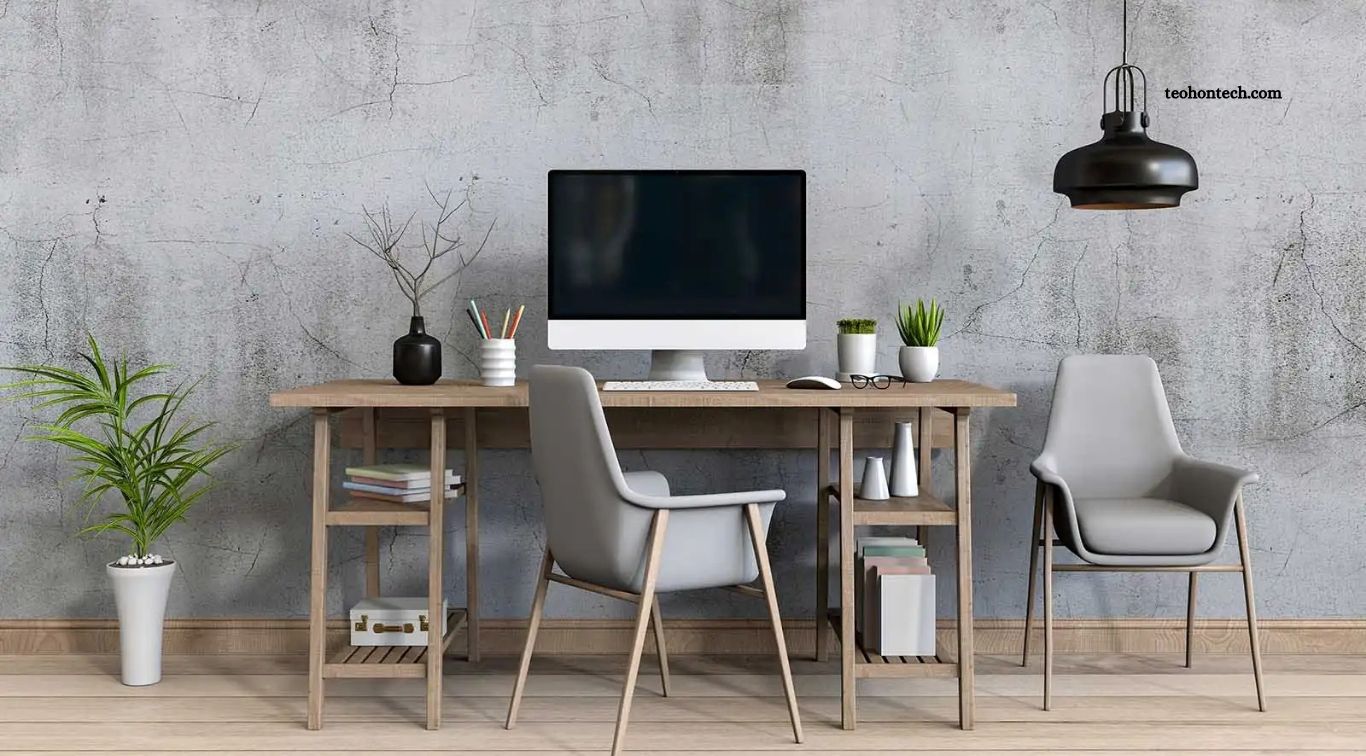
Creating a productive home office does not require expensive equipment or a large budget. With the right technology, you can build a comfortable workspace that supports remote work, online meetings, content creation, and everyday business tasks. Affordable laptops, reliable internet accessories, ergonomic peripherals, and useful productivity tools can make working from home easier without putting unnecessary pressure on your finances.
The key is to invest in technology that solves real problems rather than buying every new gadget on the market. A dependable computer, comfortable keyboard, clear webcam, and suitable lighting can deliver more value than an expensive collection of accessories. By comparing features, setting priorities, and choosing budget-friendly alternatives, you can create a practical home office that supports efficiency and long-term comfort.
Read More: Which Bluetooth Speakers Offer the Best Sound for the Price?
Choose an Affordable Laptop or Desktop Computer
A reliable computer is the foundation of an effective home office. For everyday tasks such as writing documents, browsing the web, managing emails, attending video meetings, and working with spreadsheets, an affordable laptop or desktop can provide sufficient performance. Look for a recent processor, at least 8GB of RAM for basic workloads, and a solid-state drive (SSD) for faster startup times and smoother everyday use.
If your work involves multiple applications, large spreadsheets, programming, or light content editing, consider 16GB of RAM and a larger SSD when your budget allows. Refurbished business laptops can offer excellent value when purchased from reputable sellers with clear warranty terms. Before buying, compare battery life, screen quality, upgrade options, and repair costs rather than choosing a computer based only on its price or advertised specifications.
Invest in a Comfortable Keyboard and Mouse
A comfortable keyboard and mouse can improve your daily work experience, especially if you spend several hours typing, editing documents, or managing websites. You do not need premium gaming equipment or expensive ergonomic accessories to get started. A reliable wired keyboard and mouse are often inexpensive, easy to set up, and suitable for most home office tasks.
Wireless peripherals can help reduce desk clutter and make it easier to organize a compact workspace. Consider keyboard layout, mouse size, button placement, and connection type before purchasing. If you experience discomfort during long work sessions, try adjusting your desk height and hand position, and consider peripherals designed to support a more natural posture. Comfort and suitability matter more than flashy features.
Add an Affordable External Monitor
An external monitor can make a home office more productive by giving you extra screen space for research, documents, spreadsheets, and video calls. Instead of repeatedly switching between windows on a laptop, you can keep important applications visible at the same time. A used or refurbished monitor from a trusted seller may provide good value if it has a clear display and works correctly.
For general office tasks, a 22- to 24-inch Full HD monitor is often a practical starting point. Check the available ports, stand adjustability, screen condition, and compatibility with your computer before buying. If you already own a monitor, consider using it before upgrading. Position the screen at a comfortable viewing distance and height to reduce unnecessary neck movement during long working sessions.
Upgrade Your Home Office Internet Connection
Reliable internet is essential for remote workers, freelancers, online business owners, and anyone who regularly joins video meetings. Before purchasing a more expensive internet plan, check your current connection speed, signal strength, and stability. Sometimes, moving your router to a more central location or reducing interference can improve performance without adding to your monthly expenses.
If your Wi-Fi signal is weak, an affordable Ethernet cable can provide a more stable connection for a desktop or laptop with a suitable port or adapter. A Wi-Fi extender may help in certain layouts, while a mesh system can be useful in larger homes with persistent coverage problems. Compare the actual source of the connection issue before buying equipment, and secure your network with a strong password and modern security settings.
Use a Budget-Friendly Webcam and Microphone
Clear communication is important for remote work, client meetings, interviews, and online presentations. Many laptops include built-in cameras and microphones that are sufficient for basic calls. If the image appears blurry or the audio is unclear, an affordable external webcam or USB microphone may improve the experience without requiring a professional studio setup.
When choosing a webcam, consider resolution, low-light performance, autofocus, and mounting options. For audio, a basic USB headset can be a practical alternative to purchasing a separate microphone and speakers. Test your existing equipment before upgrading, and position your camera near eye level for a more natural meeting setup. Good lighting and a quiet room can often improve call quality more than buying a more expensive camera.
Choose Affordable Headphones for Focused Work
Headphones can help you concentrate in shared homes, reduce distractions, and hear colleagues clearly during virtual meetings. Basic wired earphones or a comfortable headset may be enough for most office tasks. If you frequently work in noisy surroundings, consider budget headphones with passive noise isolation or active noise cancellation when the extra cost fits your budget.
Before buying, compare comfort, microphone quality, battery life, and device compatibility. Wired headphones can be an economical option because they do not need charging, while wireless models provide greater freedom of movement. You do not need premium audio equipment unless your work requires precise sound quality. Choose a reliable pair that remains comfortable during longer sessions and suits your everyday work routine.
Improve Lighting With an Affordable Desk Lamp
Good lighting can make a home office more comfortable and improve how you appear during video calls. A simple LED desk lamp is often an inexpensive upgrade, particularly if your workspace receives limited natural light. Adjustable brightness and a flexible lamp head allow you to direct light toward documents or your work area without creating unnecessary glare.
Whenever possible, position your desk near a window and use natural light during the day. Place your lamp so that it illuminates your work without reflecting directly off the monitor. If you regularly attend video meetings, soft light facing you can create a clearer image than a bright window behind your head. Start with your existing lights and buy additional equipment only when you identify a specific need.
Buy a Laptop Stand or Monitor Riser
A laptop stand or monitor riser can improve desk organization and help position your screen at a more comfortable height. Looking down at a laptop for extended periods may contribute to neck discomfort, particularly when the device sits directly on a low desk. Raising the screen and pairing the laptop with an external keyboard and mouse can create a more practical workstation.
You do not necessarily need an expensive adjustable stand. A basic metal or sturdy plastic riser may work well, provided it supports your device securely and allows adequate airflow. Check stability, height, portability, and compatibility before purchasing. If your budget is limited, adjust your existing desk setup first and prioritize changes that improve comfort without creating safety or ventilation problems.
Use a Budget-Friendly Dock or USB Hub
Modern laptops sometimes have limited ports, making it difficult to connect monitors, keyboards, storage devices, and other accessories simultaneously. An affordable USB hub can expand connectivity for common peripherals, while a compatible docking station may simplify a more complex setup. These accessories can reduce the need to repeatedly unplug devices when moving between tasks.
Before buying, check the exact ports supported by your computer and the features offered by the accessory. Not every USB-C port supports video output or charging, and inexpensive hubs may have limitations when several devices operate at once. Choose a hub with the connections you actually need instead of paying for unused features. For simple setups, a basic USB-A or USB-C hub may be all that is necessary.
Use Free Productivity and Security Software
Affordable home office technology includes software as well as physical equipment. Free tools for documents, spreadsheets, task management, video meetings, and cloud storage can help you organize work without paying for multiple subscriptions. Choose applications that support your workflow, collaborate with your team, and allow you to access files across the devices you use.
Security should also be part of your setup. Keep your operating system and applications updated, use strong and unique passwords, and enable multifactor authentication where available. Built-in security features and reputable free tools may be sufficient for many users, although businesses with specific compliance needs may require paid solutions. Review recurring subscriptions regularly and cancel services that no longer provide meaningful value.
Protect Your Equipment With a Surge Protector
A surge protector can help protect connected electronics against certain voltage spikes, making it a useful addition to a home office. Computers, monitors, routers, and other devices represent an investment, so taking basic precautions can help reduce the risk of electrical damage. Choose a product from a reputable manufacturer with clear safety certifications and a suitable rating for your region.
Avoid overloading power strips or connecting multiple extension leads in unsafe configurations. If power interruptions are common in your area, an uninterruptible power supply (UPS) may provide temporary backup power and help you save work before shutting down. Select a UPS according to the power requirements of your essential equipment. A surge protector and a UPS serve different purposes, so compare their functions before deciding which one you need.
Create a Smart Home Office Budget
A simple budget helps you avoid spending money on accessories that provide little practical benefit. Start by listing the tasks you perform every day and identifying the equipment that limits your productivity. If your computer is reliable but your internet connection is unstable, improving connectivity may be more useful than purchasing a new monitor or premium keyboard.
Divide potential purchases into essential, useful, and optional categories. Buy essential items first, compare several sellers, and look for reputable refurbished equipment when appropriate. Remember to include warranties, replacement accessories, electricity use, and software subscriptions in your calculations. A well-planned budget allows you to build your workspace gradually, spread out expenses, and focus on technology that genuinely improves your working experience.
Frequently Asked Questions
What is the most important technology for a home office?
A reliable computer and stable internet connection are the most important starting points for most remote workers.
Can I build a home office on a small budget?
Yes. Start with essential equipment, use free software, and upgrade accessories only when they solve a real problem.
Is a laptop or desktop better for working from home?
A laptop offers portability, while a desktop may provide better upgrade options. Choose according to your workload and space.
Do I need an external monitor?
No, but an external monitor can make multitasking easier and improve comfort for many office tasks.
Are refurbished computers worth buying?
They can offer good value when purchased from reputable sellers with clear condition details and warranty coverage.
Which free software is useful for a home office?
Free document editors, video meeting applications, task managers, cloud storage options, and built-in security tools can cover many everyday needs.
Conclusion
Building an effective home office does not require expensive technology or a complete workspace makeover. A reliable computer, comfortable peripherals, stable internet, suitable lighting, and useful free software can provide everything many people need to work productively from home. Prioritize your biggest challenges, compare affordable options, and avoid paying for features you rarely use. With thoughtful spending and gradual improvements, you can create a practical, comfortable, and efficient home office without breaking the bank.

1 Comment
Pingback: How to Pick a Smartphone That Lasts for Years - TeohOnTech