


Buying a laptop in India in 2026 feels harder than it should. Prices swing by thousands of rupees between sellers, spec sheets read like alphabet soup, and every salesperson has a best deal that expires today. The result: many buyers either overspend on power they never use or underspend and end up with a machine that struggles within a year.
This guide is built around the seven mistakes we see Indian buyers make most often, from fixating on the processor while ignoring the screen, to buying from the wrong seller and discovering the warranty is not valid. Avoid these and you will get a laptop that fits your work, your budget and your patience.
Whether you are a student buying your first laptop, a professional upgrading a workhorse, or a parent buying for family use, the same principles apply. Let us walk through them.
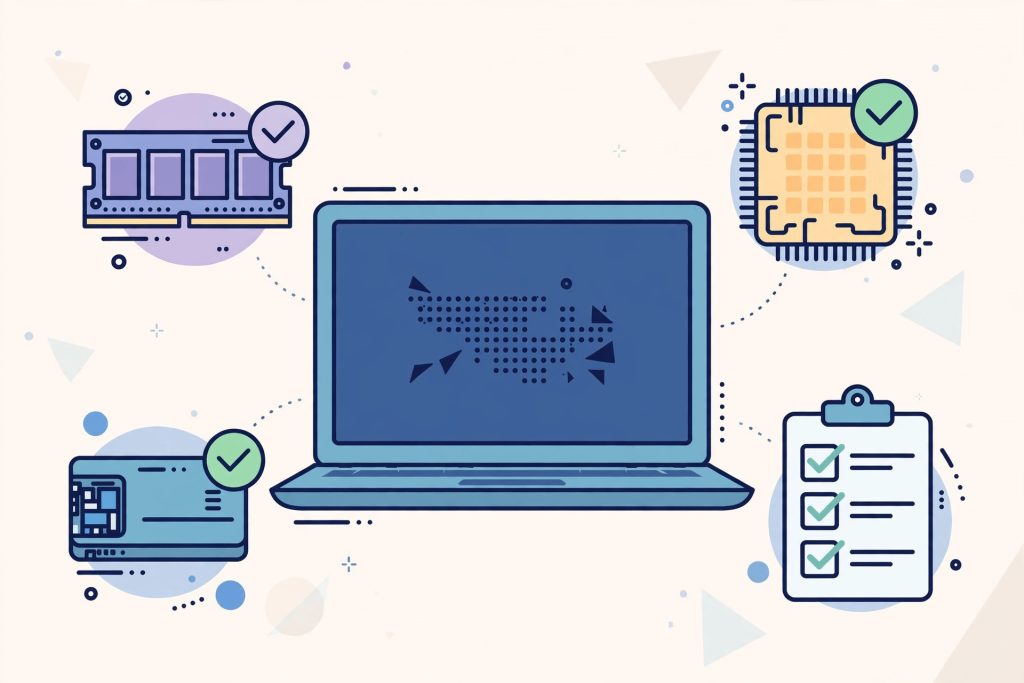
Mistake 1: Obsessing Over the Processor and Ignoring Everything Else
The processor gets top billing in every advertisement, so buyers naturally fixate on it. But for everyday work like browsing, documents, video calls and streaming, the difference between a mid-range chip from 2024 and one from 2026 is barely noticeable. What you notice every single day is RAM, storage speed and the display.
A laptop with a modest processor, 16GB of RAM and a fast SSD will feel quicker than a laptop with a flagship chip, 8GB of RAM and a spinning hard drive. Our laptop performance tests found exactly this pattern: everyday responsiveness tracks memory and storage far more closely than benchmark scores suggest.
Rule of thumb: for general use in 2026, any current-generation Core i3 or i5, or Ryzen 3 or 5 equivalent, is fine. Spend the savings on RAM and an SSD instead.
Mistake 2: Buying Too Little RAM, or Paying Too Much for Too Much
8GB of RAM is the absolute minimum in 2026, and it is already tight if you keep many browser tabs open alongside video calls. 16GB is the sweet spot for most buyers: comfortable for office work, light creative tasks, and years of software getting heavier.
The subtler mistake is overbuying. 32GB helps video editors and developers running virtual machines, but it adds thousands of rupees that most buyers will never benefit from. Check whether the RAM is soldered or upgradeable before you decide: a laptop with 8GB of soldered RAM and no spare slot is a dead end, while one with an empty slot lets you upgrade later for less.
Mistake 3: Settling for a Spinning Hard Drive or a Tiny SSD
Nothing makes a modern laptop feel old like a mechanical hard drive. If a deal seems too good to be true, check the storage: some budget models still ship with 1TB hard drives that make every boot and file operation painfully slow.
Insist on an SSD, preferably an NVMe SSD of at least 512GB. Windows, applications and updates consume more space every year, and 256GB fills up fast once you add photos and project files. If the laptop has an empty second slot, you can add storage later, which is often cheaper than buying the higher-capacity configuration upfront.
Mistake 4: Ignoring the Display You Will Stare at for Years
Buyers compare processors endlessly and then accept whatever screen comes attached. You will look at this display for thousands of hours, so it deserves equal weight. In 2026, accept nothing below Full HD, 1920 by 1080, resolution on a 14 or 15.6 inch laptop.
Beyond resolution, check brightness, aiming for 300 nits or more for use near windows, and colour coverage if you do any photo or design work. Prefer an IPS panel over the cheaper TN type with washed-out viewing angles. A matte or anti-glare coating is a genuine blessing in bright Indian homes and offices.
Mistake 5: Forgetting Ports, Keyboard and Everyday Ergonomics
Spec sheets do not tell you how a laptop feels to use. A shallow, flexy keyboard will annoy you every day for years, and a dim webcam will embarrass you on every video call. If possible, try the keyboard in a store, or at least read reviews that specifically cover typing feel and trackpad quality.
Ports matter more than ever as everything goes wireless. Count what you need: at least one full-size USB-A port for older peripherals, USB-C with charging support, HDMI for presentations, and a headphone jack. Dongle life is expensive and irritating.
For video calls, be honest about built-in webcam and microphone quality: most are merely adequate. Many buyers get better call quality by pairing the laptop with budget earbuds that reviewers rate for clear microphones and long battery life, which also keeps your audio private in shared spaces.
Mistake 6: Buying from the Wrong Seller and Warranty Surprises
The same laptop can list at wildly different prices across sellers, and the cheapest listing is not always the best deal. Grey-market imports and unauthorised sellers may offer tempting prices but ship units with international warranties that Indian service centres will not honour.
Before paying, confirm three things: the seller is authorised, the warranty is valid in India, and the invoice carries the correct GST details for warranty claims. During sale events, compare the final price including exchange offers and bank discounts rather than the headline discount percentage. Keep the box and invoice until the warranty expires.
Mistake 7: Overspending on Power, or Brand, You Will Never Use
The most expensive mistake is buying more laptop than your life requires. A gaming laptop for someone who plays occasionally, a workstation for someone who writes documents: the extra money buys heat, weight and fan noise alongside performance you never touch.
Be equally sceptical of brand premiums. Some brands charge significantly more for equivalent specifications, trading on reputation rather than hardware. That premium sometimes buys better service networks and build quality, and sometimes it buys only a logo. Our guide to whether premium tech products are worth the extra money helps you tell the difference before you pay for a badge.
Write down your actual use cases before shopping, set a budget with a 10 percent buffer for accessories, and buy the cheapest laptop that genuinely covers your list. Future-you will thank present-you.
Frequently Asked Questions
How much should I spend on a laptop in India in 2026?
For students and office work, laptops in the Rs 45,000 to Rs 65,000 bracket typically offer a comfortable machine with 16GB of RAM and a 512GB SSD. Creators and engineers should budget Rs 80,000 and above for stronger processors and better displays. Below Rs 40,000, scrutinise the RAM, storage and screen carefully, as compromises concentrate there.
Is it better to buy a laptop online or from a local store?
Online sellers usually offer lower prices and wider choice, while local stores let you try the keyboard and screen and often bundle setup help. A practical approach: shortlist online, verify the feel in a store, then buy wherever the genuine warranty-backed price is lower.
Should I wait for sale events like Diwali or Republic Day sales?
If your purchase is not urgent, yes. Major sale events reliably discount popular models by 10 to 20 percent with additional bank offers. But do not wait months to save a small amount if you need the laptop now: productivity lost outweighs the discount.
Do I need an extended warranty or accidental damage protection?
For laptops that travel daily in bags and autos, accidental damage protection is worth considering, as one screen replacement can cost more than the plan. For a desktop replacement that rarely moves, the standard warranty plus careful handling is usually enough.
Windows or Mac for a first-time buyer in India?
It depends on your software. If your college or office runs Windows-specific tools, or you want maximum choice under Rs 70,000, Windows offers more options. If you are already in the Apple ecosystem and your budget stretches past Rs 80,000, a Mac offers excellent battery life and longevity. Either way, the seven mistakes above apply equally.
Conclusion
A good laptop purchase is less about finding the perfect machine and more about avoiding the predictable mistakes: skimping on RAM, accepting a bad screen, trusting a shady seller, or paying for power you will never use.
Decide what you will actually do with the laptop, match the specifications to that list, verify the seller and warranty, and buy with confidence. Do that, and your laptop will feel like a good decision every day you open it, not just on the day you bought it.

2 Comments
Pingback: Budget vs Flagship Phones: Which Performs Better in Real Life? - TeohOnTech
Pingback: Best 27 Inch Monitor for Work From Home India (2026) | Top Picks