

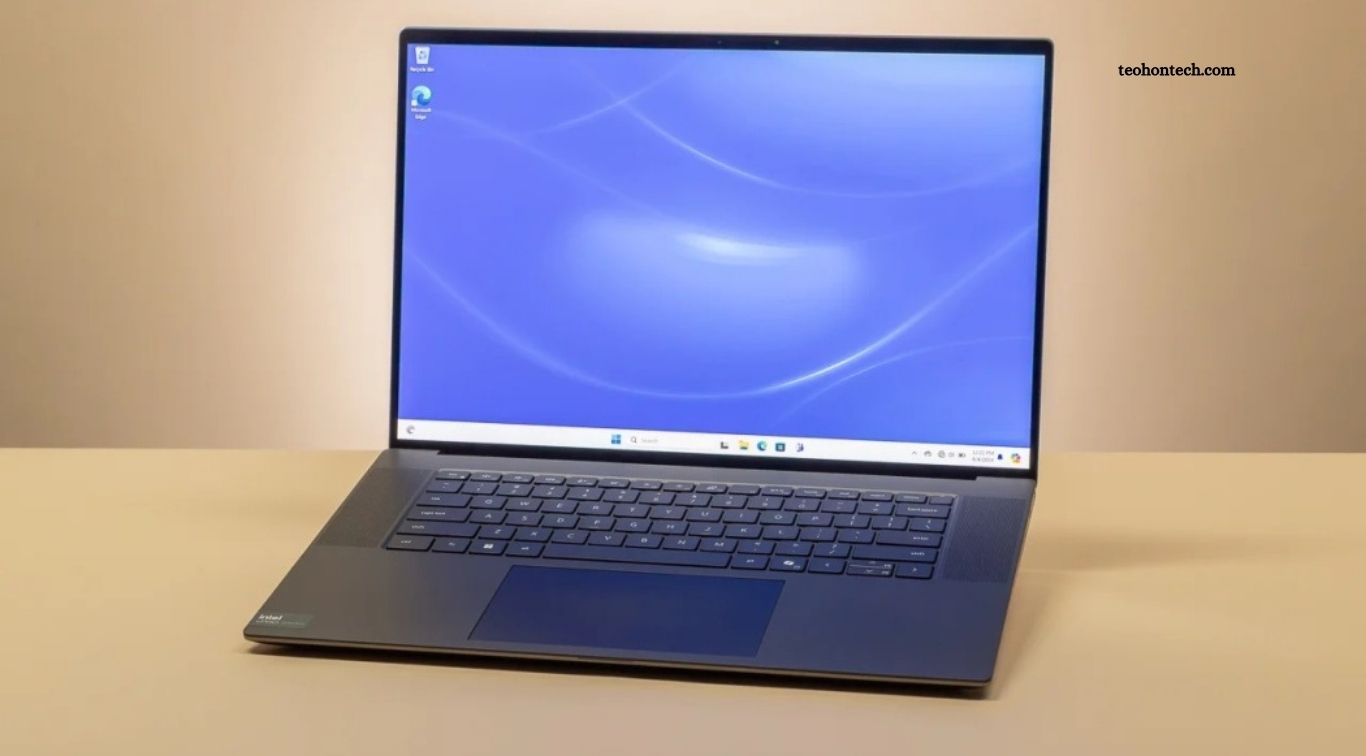
Laptop performance tests help explain how well a computer handles everyday tasks, demanding applications, and long working sessions. While manufacturers often advertise powerful processors, fast storage, and advanced graphics, benchmark scores alone do not tell the complete story. Real-world performance depends on how these components work together during activities such as browsing the web, editing documents, attending video meetings, streaming content, and running multiple applications.
A laptop with impressive specifications may still feel slow if its cooling system struggles or its memory capacity is limited. Similarly, a midrange laptop can provide a smooth experience when its hardware is balanced, and its software is well optimized. By combining benchmark results with practical usage tests, buyers can better understand which laptops deliver reliable speed, responsive multitasking, and good battery efficiency.
Read More: Best Budget Earbuds Reviewed for Sound and Battery Life
How Laptop Performance Tests Work
Laptop performance tests measure different aspects of a computer’s hardware and software. Processor benchmarks evaluate computing speed, graphics tests measure visual processing capabilities, and storage tests examine how quickly files can be read or written. Memory tests can reveal how effectively a system handles data, while battery tests help estimate how long a laptop operates away from a power outlet.
Common benchmarking tools include Geekbench, Cinebench, PCMark, and 3DMark. Each focuses on different workloads, so their scores should not be compared as though they measure exactly the same thing. Reliable reviews combine standardized benchmarks with practical tasks, repeated measurements, and consistent testing conditions to provide a more complete picture of laptop performance.
Everyday Browsing and Office Work
Web browsing, email, word processing, and spreadsheet editing are among the most common laptop activities. These tasks generally do not require the most powerful processors, but they benefit from responsive hardware, sufficient memory, and fast storage. A well-balanced laptop should open applications quickly, load websites smoothly, and switch between documents without noticeable delays.
Our approach to evaluating everyday performance focuses on responsiveness rather than raw benchmark numbers alone. Opening multiple browser tabs, editing large spreadsheets, and switching between office applications can reveal limitations that a short processor test might miss. For students, office workers, and casual users, these practical results are often more important than achieving the highest score on a synthetic benchmark.
Multitasking and Memory Performance
Multitasking performance becomes important when users keep several applications open at once. A typical work session might include a browser with multiple tabs, a messaging application, a spreadsheet, and a video meeting. When a laptop has sufficient memory and an efficient processor, switching between these tasks should feel smooth and consistent.
Limited memory can cause applications to reload or force the operating system to rely more heavily on storage as temporary memory. This can make a laptop feel slower, particularly when several demanding programs run simultaneously. For general use, 16GB of RAM is a useful target for many buyers, while users working with large creative projects, virtual machines, or professional software may benefit from 32GB or more.
Processor Speed and Real-World Application Performance
The processor influences how quickly a laptop completes many computing tasks, including calculations, application processing, and certain creative workloads. Benchmark tests can show how a processor performs during short bursts of activity and sustained workloads. However, results depend on processor architecture, power limits, cooling design, and the software used during testing.
In everyday use, a fast processor can improve application startup, complex spreadsheet calculations, software compilation, and some photo or video editing tasks. Yet the difference between two modern processors may be difficult to notice during basic browsing or document editing. Buyers should consider their actual workload instead of paying extra for processing power that provides little practical benefit.
Graphics Performance for Gaming and Creative Work
Graphics tests measure how well a laptop handles visual workloads such as gaming, 3D rendering, animation, and video effects. Integrated graphics can handle everyday display tasks and many lightweight creative applications, while dedicated graphics processors generally provide more power for demanding games and GPU-intensive software. Performance varies considerably across graphics models, laptop power limits, and cooling systems.
Gaming tests should examine frame rates at realistic resolutions and graphics settings rather than relying on a single maximum score. Creative users should also check whether their applications benefit from GPU acceleration. A laptop designed for office work may perform perfectly well for everyday tasks but struggle with advanced 3D projects or modern games. Choosing graphics hardware that matches your workload helps avoid unnecessary spending.
SSD Speed and Application Loading Times
Solid-state drives have made modern laptops feel considerably more responsive than older systems using traditional hard drives. Storage benchmarks measure sequential transfer speeds and smaller random operations, which affect different types of workloads. Fast storage can help with boot times, file transfers, application loading, and opening large projects.
However, a higher advertised SSD speed does not guarantee a noticeably faster experience in every situation. Everyday tasks may depend more on processor performance, available memory, and software optimization than on maximum sequential transfer rates. Capacity also matters because a nearly full drive can complicate file management and leave less room for applications and updates. For most users, a fast SSD with adequate storage capacity provides a practical balance.
Battery Life and Sustained Performance
Battery life tests reveal how long a laptop can operate during activities such as web browsing, video playback, and office work. Results vary depending on screen brightness, wireless connections, processor workload, background applications, and power settings. A laptop that lasts many hours during light browsing may run out of power much sooner during gaming or intensive video editing.
Sustained performance tests examine whether a laptop maintains its speed during longer workloads. Some computers deliver excellent results for a short period but reduce processor performance as heat builds up. This behavior can affect video exports, extended rendering sessions, and long-running calculations. Effective cooling and sensible power management help a laptop maintain consistent performance without excessive fan noise or heat.
Heat, Fan Noise, and Laptop Comfort
Performance is not only about speed. Heat and fan noise can influence how comfortable a laptop feels during daily use. Thin laptops have limited space for cooling hardware, so their processors may reduce performance when temperatures rise. Larger performance-focused laptops often have more cooling capacity, although they can be heavier and louder under demanding workloads.
Practical testing should observe temperatures, fan behavior, and performance consistency during both light and intensive tasks. A laptop that remains quiet during browsing but becomes loud during gaming may be perfectly suitable for office work. People who frequently work in libraries, classrooms, or shared offices may prefer a model that balances sufficient performance with low noise and comfortable surface temperatures.
How to Choose a Laptop Based on Test Results
Start by identifying your main activities and comparing the test results that matter most for them. Students and office workers should prioritize responsiveness, memory, battery life, keyboard comfort, and portability. Content creators may need stronger processors, dedicated graphics, accurate displays, and effective cooling. Gamers should pay closer attention to graphics performance, refresh rates, temperatures, and sustained frame rates.
Avoid choosing a laptop based on one benchmark score or a manufacturer’s performance claims alone. Compare independent reviews that test similar workloads under clearly explained conditions. Check the configuration being reviewed because processor, memory, storage, and display options can differ within the same product family. A balanced laptop that performs consistently in your daily tasks can offer better value than a more expensive model with impressive but unnecessary specifications.
Frequently Asked Questions
What do laptop performance tests measure?
They evaluate processor speed, graphics performance, memory, storage, battery life, and other aspects of system behavior.
Which benchmark is best for laptops?
No single benchmark measures everything. Geekbench, Cinebench, PCMark, and 3DMark assess different performance areas.
How much RAM is enough for everyday laptop use?
For many users, 16GB provides a useful balance for browsing, office work, and multitasking.
Does a faster processor always mean a better laptop?
No. Cooling, battery life, memory, storage, and software optimization also influence the overall experience.
Why does laptop performance decrease under heavy workloads?
Heat and power limits can cause a laptop to reduce processor or graphics speed during sustained activity.
Should I trust laptop benchmark scores?
Use them as a guide, then compare independent reviews and real-world tests that reflect your intended workload.
Conclusion
Laptop performance tests reveal more than raw processing speed. They help explain how well a computer handles everyday multitasking, demanding applications, graphics workloads, storage operations, battery use, and sustained activity. Benchmark scores are useful for comparing hardware, but practical testing shows how those specifications translate into daily performance. Before buying a laptop, focus on the tasks you perform most often, compare independent test results, and consider cooling, battery life, memory, and portability.

2 Comments
Pingback: Smartwatch Accuracy Tested: Can You Trust the Health Tracking? - TeohOnTech
Pingback: Laptop Buying Guide India: 7 Mistakes to Avoid