

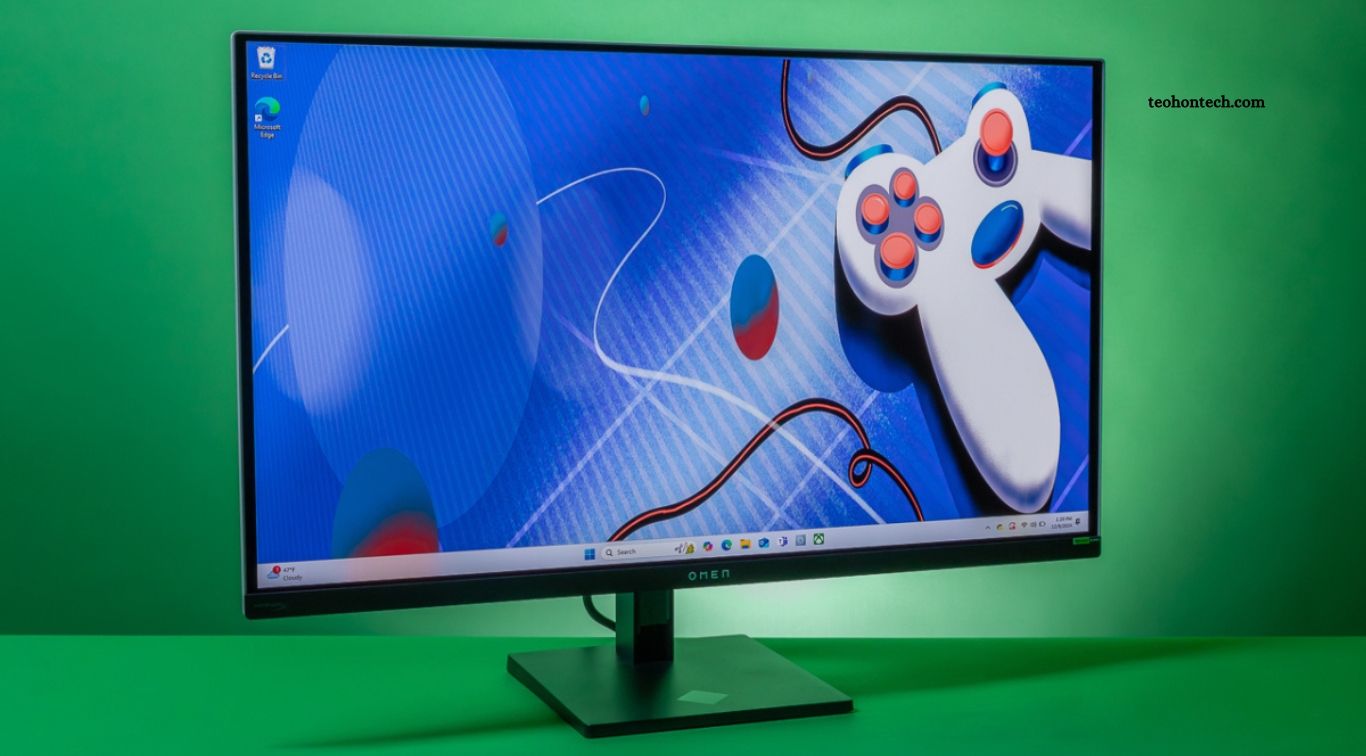
A 4K monitor can transform the way you work, play games, and enjoy movies by delivering sharper images, clearer text, and more detailed visuals. With a resolution of 3840 × 2160 pixels, a 4K display offers four times as many pixels as a Full HD monitor. This extra detail can improve productivity, enhance compatible games, and make high-resolution videos look more impressive.
However, a 4K monitor is not automatically the best choice for everyone. Screen size, refresh rate, graphics hardware, viewing distance, and budget all influence the overall experience. While professionals may appreciate the extra workspace and sharp text, gamers might prefer a lower-resolution monitor with a higher refresh rate. Understanding these differences will help you decide whether upgrading to 4K is worth the investment.
Read More: Smartwatch Accuracy Tested: Can You Trust the Health Tracking?
What Is a 4K Monitor?
A 4K monitor typically features a resolution of 3840 × 2160 pixels, providing significantly more image detail than a standard 1920 × 1080 Full HD display. The additional pixels allow text, photographs, videos, and other visual elements to appear sharper, particularly on larger screens. This makes 4K monitors attractive for office work, creative projects, entertainment, and compatible gaming setups.
The benefits depend partly on screen size and viewing distance. A 27-inch 4K monitor can deliver very sharp text and detailed images, while a larger 32-inch model provides more physical screen space. However, some applications may require display scaling to keep text and interface elements comfortable to read. Before buying, consider how much desk space you have and how far you normally sit from your monitor.
Is a 4K Monitor Worth It for Office Work?
For office work, a 4K monitor can provide a noticeable improvement in text clarity and workspace flexibility. Spreadsheets, documents, presentations, and web pages can look crisp, while the extra resolution allows more content to fit on the screen. Users who regularly switch between multiple applications may find it easier to organize their work without constantly moving between windows.
Professionals working with large datasets, coding environments, design software, or detailed documents can benefit from the additional screen space. However, productivity also depends on screen size, application layout, and operating-system scaling. A well-designed 1440p monitor may offer sufficient workspace at a lower price. If your daily work mainly involves email, basic browsing, and simple documents, the improvement from 4K may be less significant than it is for demanding multitasking.
4K Monitors for Gaming: Better Graphics or Higher FPS?
Gaming at 4K can produce impressive visual detail, especially in games with detailed environments, realistic textures, and high-quality lighting. Objects can appear sharper, distant scenery may look clearer, and compatible games can deliver a more immersive experience on larger screens. For players who prioritize visual quality in single-player adventures, racing games, and cinematic titles, 4K can be an attractive upgrade.
The main challenge is performance. Rendering four times as many pixels as Full HD requires substantially more graphics processing, although the exact performance difference depends on the game and hardware. A powerful graphics card may be needed to maintain high frame rates at 4K, particularly with demanding graphics settings. Competitive gamers may prefer a 1440p or 1080p monitor with a higher refresh rate, which can make fast-paced gameplay feel smoother while reducing hardware demands.
Refresh Rate and Response Time Matter Too
Resolution is only one part of gaming monitor performance. Refresh rate, measured in hertz (Hz), indicates how many times the screen can update each second. A 60Hz monitor refreshes up to 60 times per second, while a 144Hz or 165Hz display can provide smoother motion when the computer produces enough frames. This difference can be especially noticeable in competitive shooters, racing games, and other fast-moving titles.
Response time also influences how quickly pixels change between colors, which can affect motion clarity. Some 4K monitors combine high resolution with refresh rates of 144Hz or more, but these models often cost more than basic displays. Adaptive-sync technologies can help reduce screen tearing when supported by the monitor and graphics hardware. Before choosing a gaming monitor, balance resolution, refresh rate, response time, and the frame rates your system can realistically achieve.
Is a 4K Monitor Good for Watching Movies and Streaming?
A 4K monitor can provide an excellent viewing experience when watching compatible movies, television shows, and online videos. The higher resolution allows supported content to display more fine detail than Full HD, particularly on larger screens. High-quality 4K footage can look impressive when combined with good contrast, accurate colors, and suitable brightness.
However, not every streaming video is available in 4K. The resolution you receive depends on the streaming service, subscription plan, content availability, internet connection, device support, and playback settings. Some videos are upscaled from lower resolutions, which cannot recreate all the original detail of native 4K content. If streaming is your main priority, also consider HDR support, panel quality, built-in speakers or external audio, and whether the monitor offers convenient connections for your devices.
4K vs. 1440p vs. 1080p: Which Resolution Is Best?
Full HD, or 1080p, remains a practical choice for budget-conscious users, everyday office work, and gaming systems with limited graphics power. It requires fewer resources to render games at high frame rates and can be sufficient on smaller monitors. However, text and images may appear less detailed than on higher-resolution displays, especially when viewed on larger screens from relatively close distances.
A 1440p monitor offers a useful middle ground between Full HD and 4K. It provides sharper images and more workspace than 1080p while generally demanding less graphics performance than 4K gaming. A 4K display is particularly appealing for creative professionals, detail-focused users, and people who want high-resolution entertainment. The best resolution depends on your budget, monitor size, intended activities, and the hardware available to drive the display.
Do You Need a Powerful PC for a 4K Monitor?
For ordinary productivity tasks, a modern computer with suitable display output can often run a 4K monitor without needing a high-end graphics card. Browsing, word processing, spreadsheets, and video playback are generally less demanding than modern gaming. You should still check that your computer supports the monitor’s resolution and desired refresh rate through its available HDMI, DisplayPort, USB-C, or other compatible connection.
Gaming and demanding creative applications have different requirements. A powerful graphics card may be necessary to render modern games at native 4K resolution with high settings and smooth frame rates. Video editors and 3D artists should also consider processor performance, memory, graphics acceleration, and storage speed. Check the specifications of both the monitor and computer before purchasing, since supported refresh rates can vary depending on the connection standard and cable.
Color Accuracy, HDR, and Panel Type
A 4K resolution does not automatically guarantee excellent picture quality. Panel type, contrast, color accuracy, brightness, and viewing angles all influence how images look. IPS panels are often valued for their viewing angles and color performance, while VA panels can provide strong contrast. OLED monitors offer deep blacks and excellent contrast, although their price, brightness behavior, and potential burn-in considerations vary by model.
HDR support can improve compatible content by presenting a wider range of brightness and color, but the results depend heavily on the monitor’s capabilities. A basic display advertising HDR compatibility may not deliver the same experience as a model with strong peak brightness, effective local dimming, or OLED contrast. Creative professionals should look for reliable color coverage and calibration information, while movie fans may prioritize contrast and HDR performance. Compare complete specifications rather than choosing a monitor based on resolution alone.
How Much Should You Spend on a 4K Monitor?
The price of a 4K monitor varies according to screen size, refresh rate, panel technology, color performance, connectivity, and additional features. Basic 4K displays are generally more affordable than premium gaming monitors with high refresh rates or professional models designed for color-critical work. Paying more can be worthwhile when the added features directly support your needs, but expensive specifications may provide little benefit if you rarely use them.
Before buying, decide which features matter most. Office users may prioritize text clarity, ergonomic adjustment, USB-C connectivity, and screen size. Gamers may need a high refresh rate, low input lag, adaptive sync, and enough graphics power to drive the display. Streaming enthusiasts may prefer strong contrast and HDR performance. Comparing independent reviews, warranty terms, and total system requirements can help you find a monitor that delivers good value without overspending.
Frequently Asked Questions
Is a 4K monitor better than a 1440p monitor?
4K offers more detail, while 1440p often provides a better balance of price, performance, and gaming frame rates.
Is 4K worth it for gaming?
Yes, if you prioritize visual detail and have the graphics hardware to support it. Competitive gamers may prefer higher refresh rates at lower resolutions.
Can I use a 4K monitor with an ordinary laptop?
Often, yes. Check whether your laptop supports 4K output at the refresh rate you want.
Does a 4K monitor improve Netflix or YouTube quality?
It can, provided the video is available in 4K and your subscription, device, and connection support playback at that resolution.
What size is best for a 4K monitor?
Many users prefer 27-inch or 32-inch models, depending on desk space, viewing distance, and personal preference.
Is a 4K monitor worth buying for office work?
It can be valuable for sharp text, detailed content, and multitasking, especially on larger screens.
Conclusion
A 4K monitor can be worth the investment for people who value sharp text, detailed images, extra workspace, and high-resolution entertainment. It is particularly useful for creative professionals, multitaskers, and gamers who have powerful enough hardware to enjoy 4K visuals. However, resolution alone does not determine display quality. Refresh rate, color accuracy, contrast, HDR performance, connectivity, and price also matter. If you mainly play competitive games or have a limited budget, a quality 1440p monitor may offer better overall value.
